
Improvements
Definition
What Is Finite Production Scheduling?
Finite scheduling only plans work your shop can actually complete with available machines, people, and materials. It's an adaptable plan that organises who does what, and when. The AI learns your specific production process — your steps, your timings, your constraints — and uses that to build the most realistic schedule possible.
Features
How AI Scheduler Plans Smarter
Build the Optimum Schedule. Every Time.
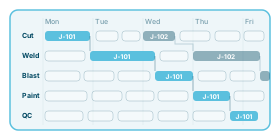
Brief it on your jobs, people, and machines — it calculates the most efficient path through your workload. Every job routed in the right sequence, timed against real capacity, with accurate delivery dates you can quote with confidence.
Assign the right person to every job
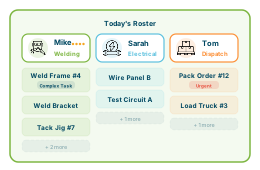
Work goes to whoever has the right skills and is available at that moment. Idle time gets filled before it's wasted. Workload balanced across the team — more jobs out the door with the same headcount.
Spot your bottleneck and plan around it
Every shop has one resource that everything else depends on. AI Scheduler controls what enters the floor and when — keeping WIP low, inventory costs down, and work moving at maximum pace.
Adapt when things go sideways
A job shop schedule is never static — machines go down, staff call in sick, and rush jobs don't wait for a good time. AI Scheduler rebuilds around disruptions automatically, reassigning work and keeping every other job on track.
Flag problems before they cost you
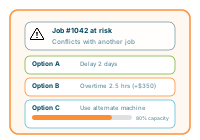
It knows your operation. When something's at risk — a late job, a material shortage, conflicting bookings, overtime creeping in — it doesn't just warn you. It gives you options, and tells you what each one will cost. You make the call.
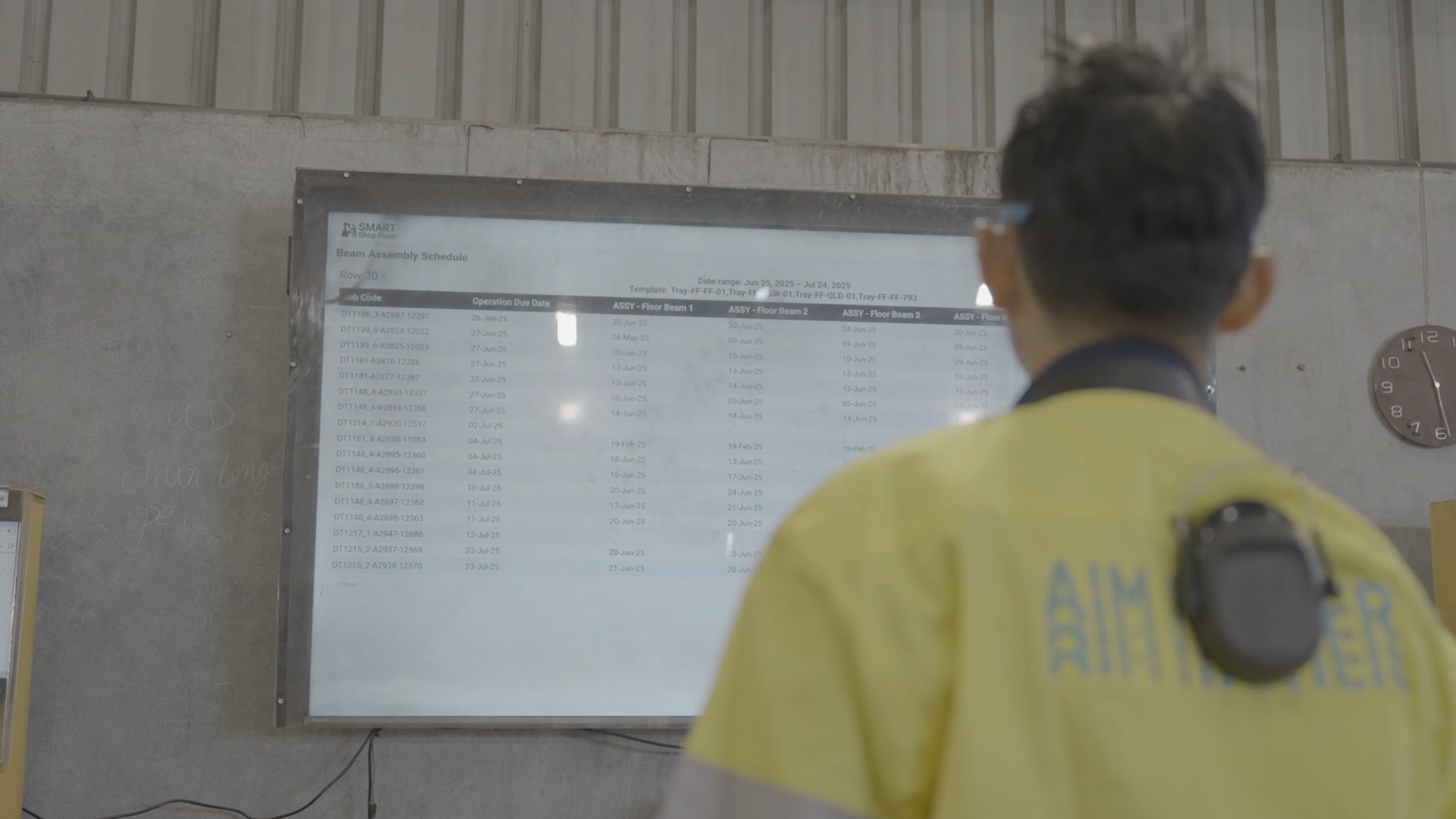
Keep everyone focused on the same plan
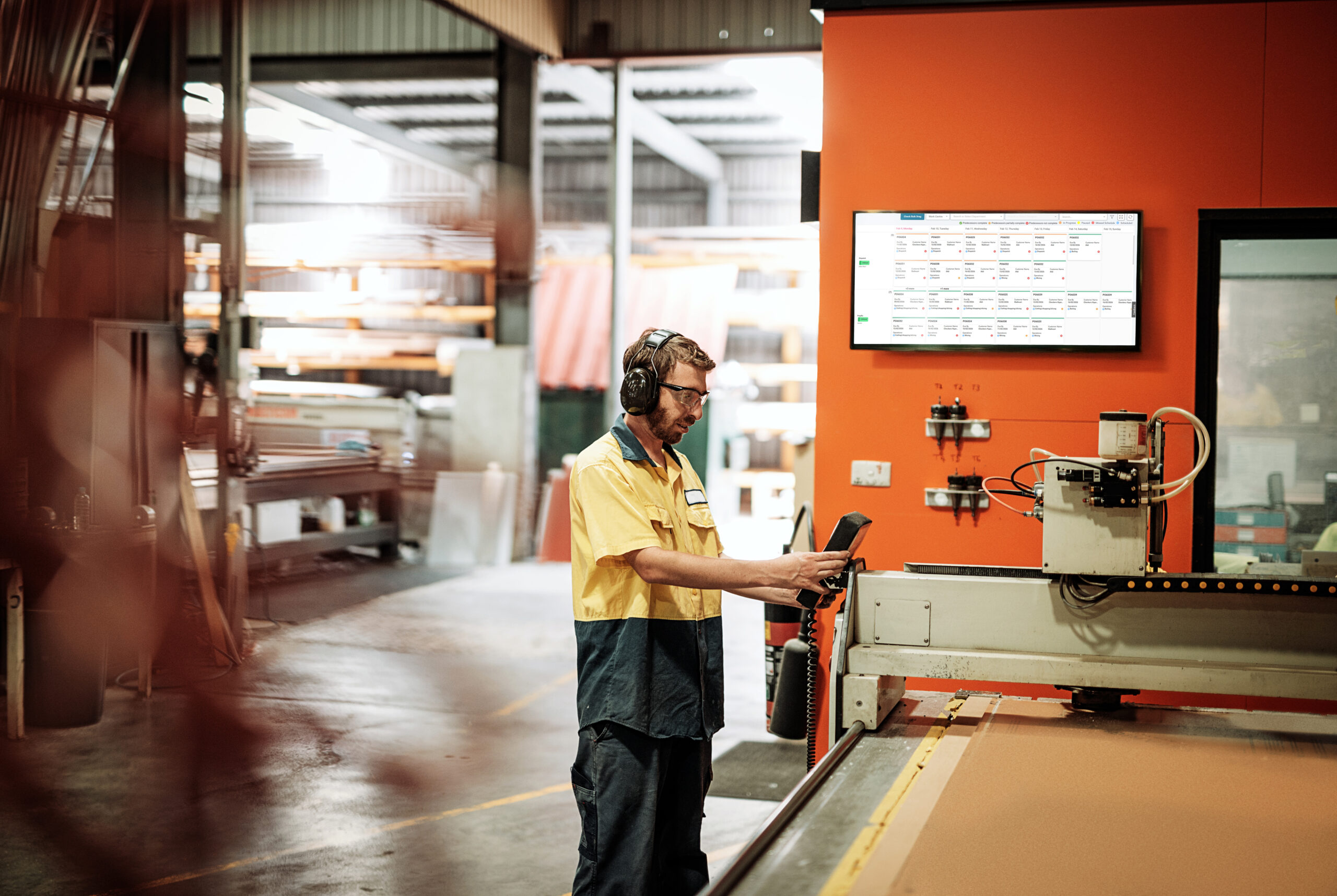
The digital production board replaces your whiteboard with a live, colour-coded view of what's in progress, what's urgent, and what's coming. Filter by work centre or see the whole workshop at once.
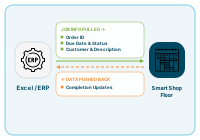
Connect to your ERP
New orders flow in automatically. No double entry, no transcription errors.
Decision Making
How the Algorithm Thinks
A human scheduler juggles a handful of factors and makes their best call. The AI Scheduler weighs multiple variables at once, every time you run it — and finds the optimum answer across all of them simultaneously.

Due date
The most urgent jobs go first. The closer the deadline, the higher up the queue. Jobs are also planned to finish before their due date, not on it — giving you some breathing space should a problem arise.

Customer priority
Not every customer is equal, and your schedule should reflect that. It assigns priority ratings based on contract value, repeat business, or margin. High-priority customers' jobs jump the queue while low-value, infrequent, or thin-margin jobs wait their turn.

Resource availability
No job is scheduled against a machine, operator, or material that isn't actually there. If it's not available, the job waits until it is.

Operator skills
Work goes to whoever is rated for that task, fast and skilled. Better-rated operators get first allocation.

Job routing
Every step of a job is sequenced in the right order, automatically.

Operating hours
The schedule plans within your standard working day, with overtime factored in only when critical. Operators are also booked at a comfortable capacity, not 100% — giving them time to deal with everyday dust-ups.
Workflow
AI and Human Co-ordination
Update new orders, who's on the floor, and any equipment out of action.
Boot up your AI Scheduler and hit go. It works through the ranking variables and returns a complete, optimised production schedule.
Drag and drop anything that needs a tweak. Approve overtime if needed. The AI recalculates around your changes and shows the downstream impact before you commit.
Operators receive their work assignments for the shift, ordered and timed. Works with a smartboard or digital display.
As jobs are completed, the floor supervisor logs progress, which feeds back into the next schedule run.
Benefits
Why AI Scheduling Wins
Run a Tighter Operation
- Better flow — work moves through the shop without stopping, backing up, or waiting
- Minimise firefighting — disruptions handled by the system, not by you
- Less stress on the floor — fewer fires, clearer direction for everyone
Stay in Control
- Accurate delivery dates — real dates based on actual capacity, not gut feel
- Shorter lead times — finite scheduling eliminates the guesswork that bloats your timelines
- Reduce risk — the schedule plans for the unexpected before it happens
Get Smarter Over Time
- Resolve problems faster — context-aware alerts with options and the cost of each action
- Gets more accurate with every job — 30% improvement in job time estimates after a few months
Success Stories
See It Working in Real Shops
Real shops, real results. Hear directly from manufacturers using Smart Shop Floor to schedule smarter.
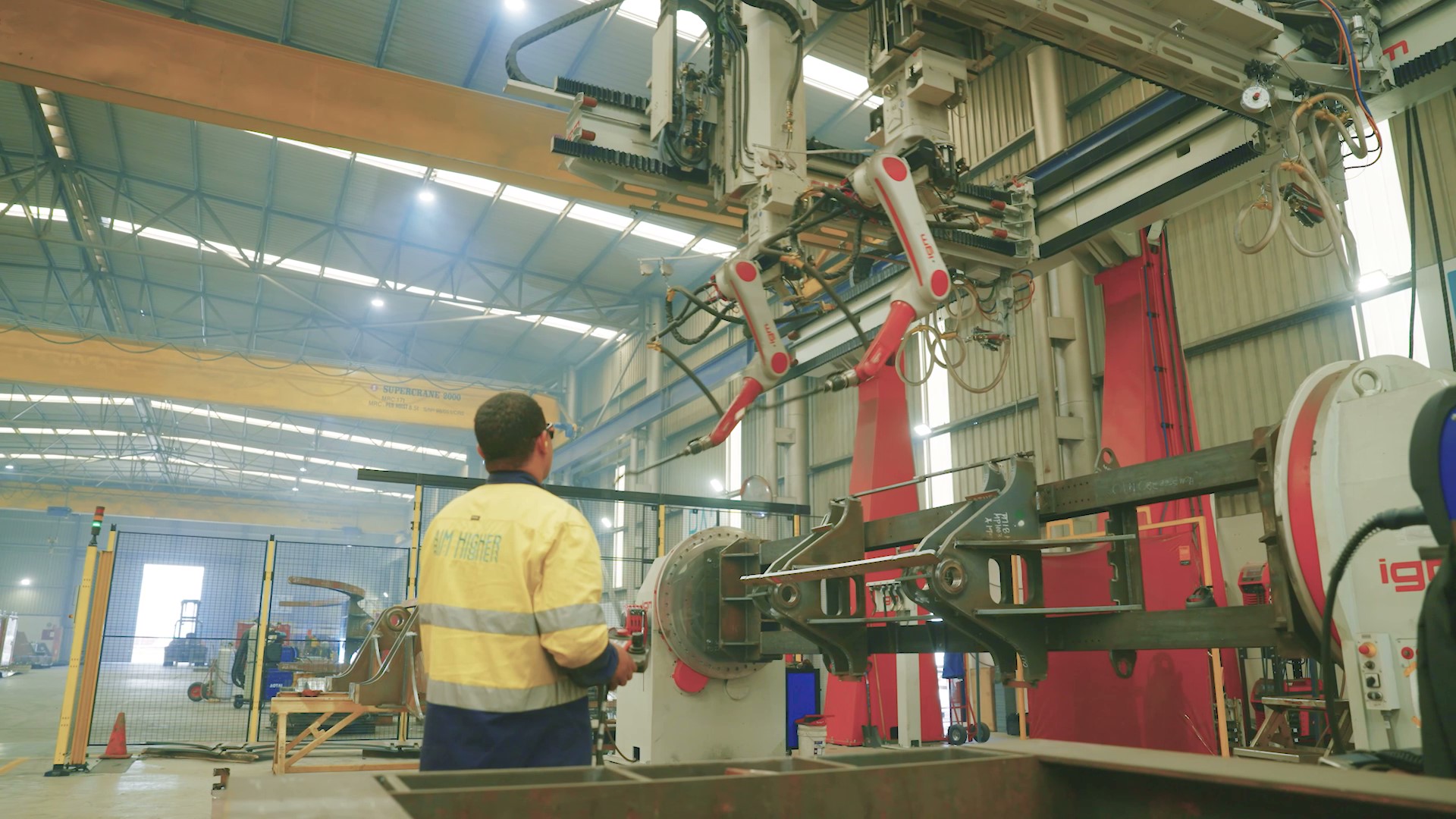
Schlam Payload
From Too Many Tools to Real-Time Scheduling Answers
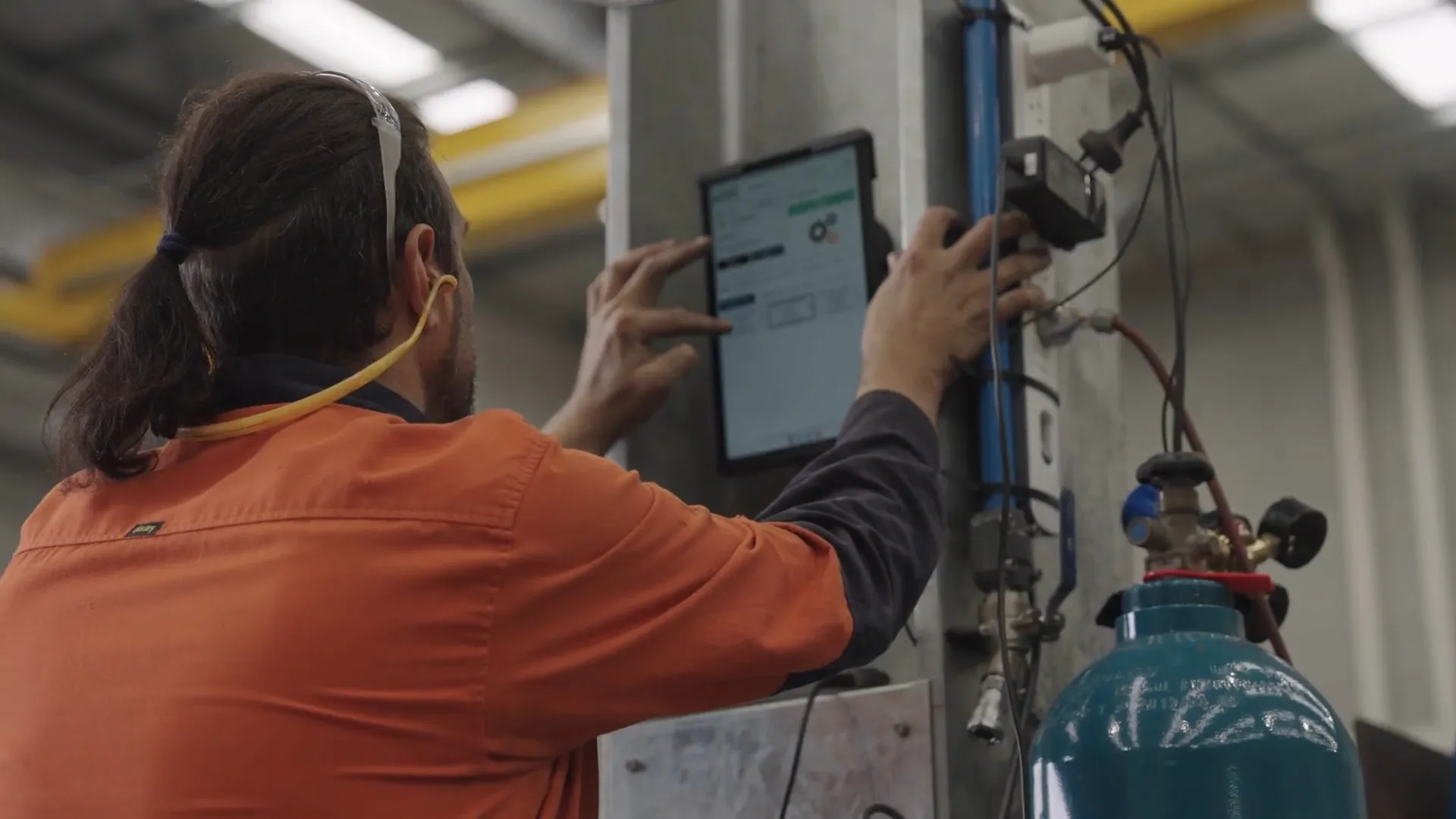
MetalWest
Full Production Transparency Across the Shop Floor
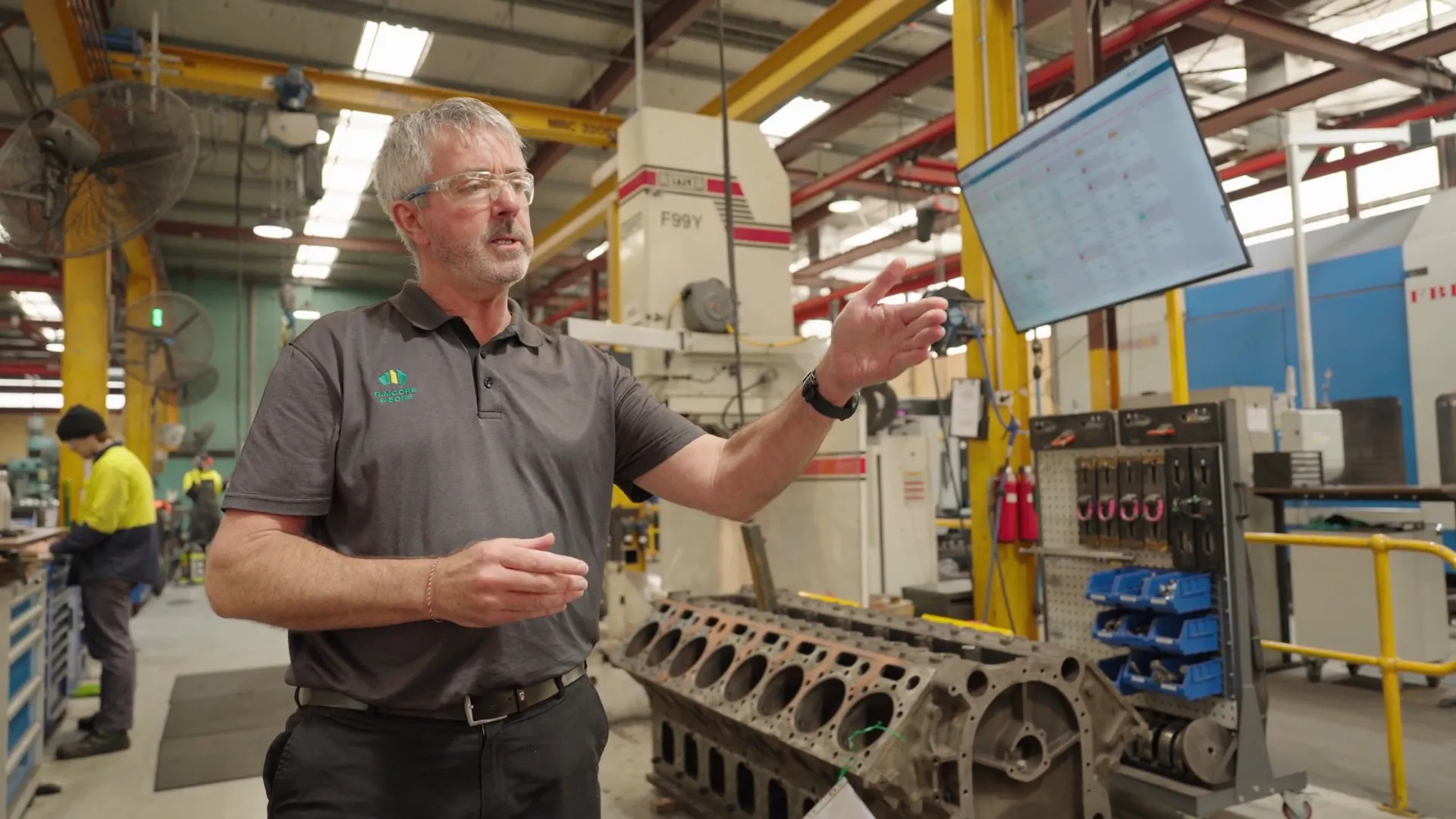
R. Moore and Sons
From Manual Scheduling to Automated Control
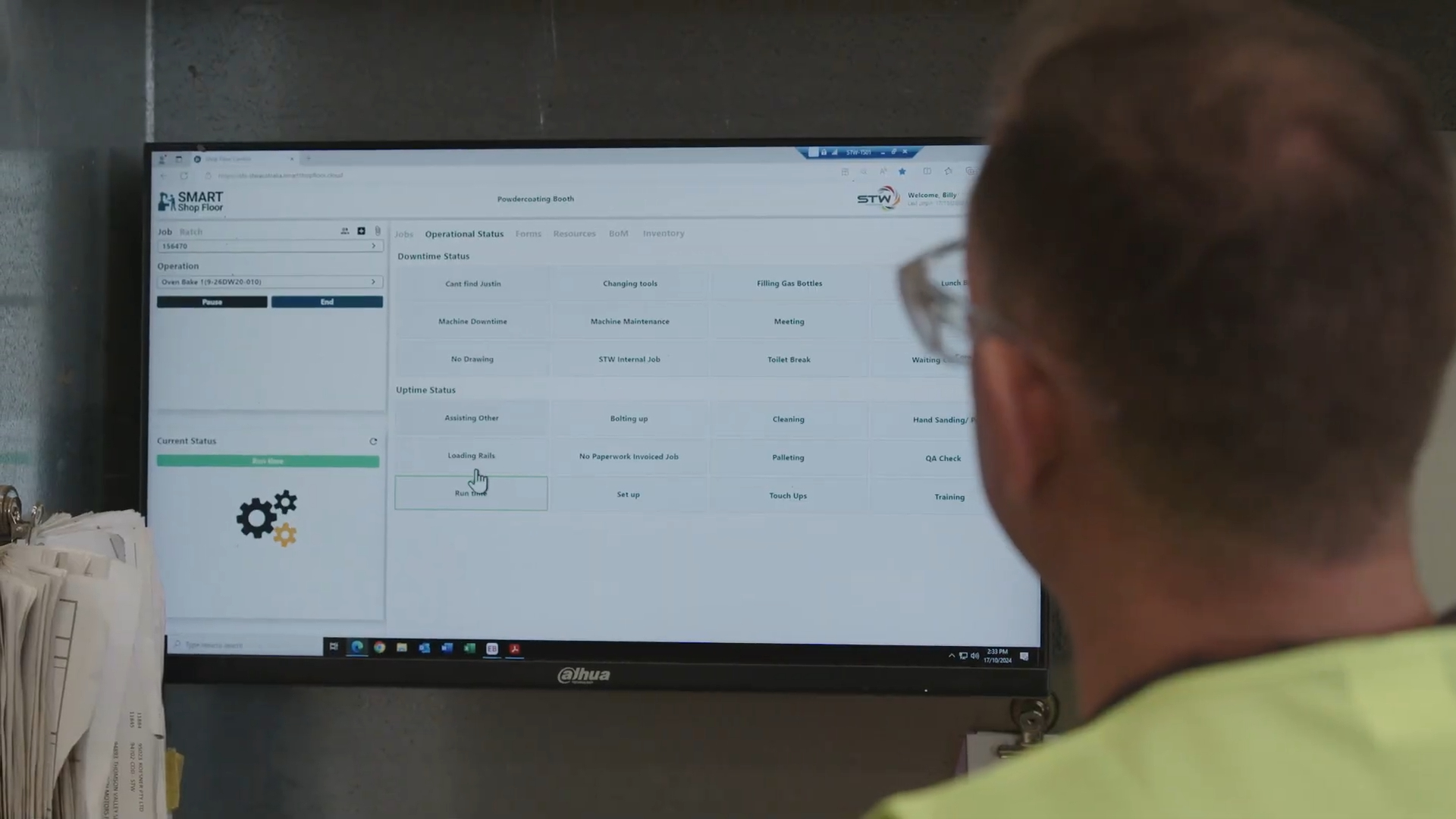
Specialised Tyre and Wheel
Slashing Lead Time from 8 Weeks to 2