
Every task tied to a person
Operators log their time against every job. You see how far along each job is, who’s working on it and when it will be finished.
For Australian fabricators and job shops
No more black box: everyone, from the factory to the front office, knows what’s happening and what needs to happen next.
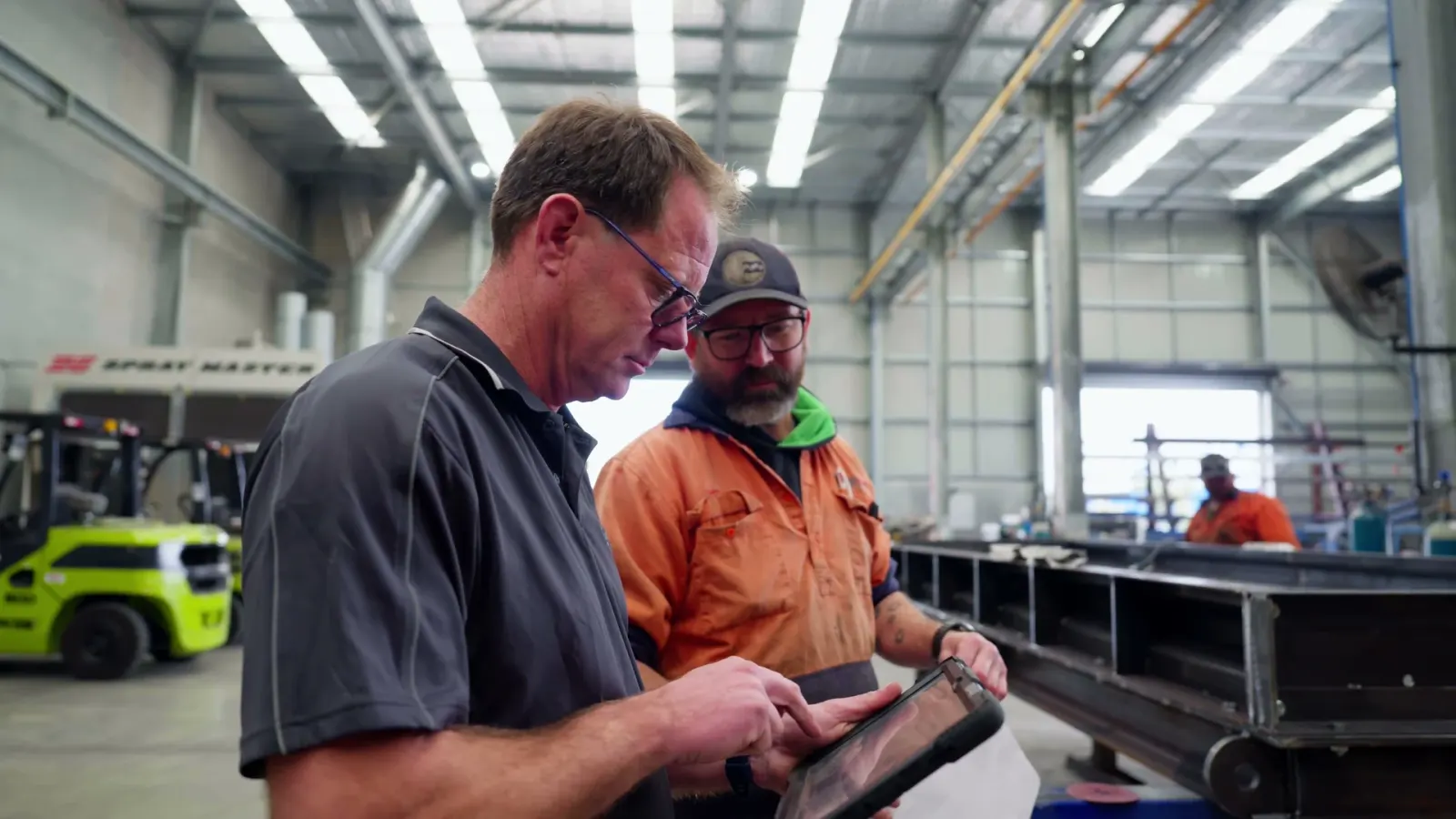
Definition
A manufacturing execution system is software that collects production data from your machines and operators to track and manage jobs as they happen. MES extends our advanced planning and scheduling software, so every scheduled job is tracked through to completion. It can also connect to your ERP, sending labour hours, material use and completion updates back to your accounting.
Sound familiar?
SHOP FLOOR CONTROL
Know where every job is, back your operators, control your costs and keep machines running.
96%+
on-time delivery
Operators log their time against every job. You see how far along each job is, who’s working on it and when it will be finished.
Know what’s running, paused or finished without walking the floor. Detailed reporting shows which jobs are at risk and which need urgent attention.
Customers check their own orders, which gives them confidence in your dates and frees your team from chasing updates.
45 min
saved per operator, per shift
Operators save up to 45 minutes per shift with everything they need at their fingertips. Up-to-date drawings, pick lists, standard operating procedures and change notes are all on the tablet, so they get the work done right the first time and don’t lose time hunting for answers.
Hold points are mandatory stops in the workflow. When operators finish a step, they inspect their work before the job moves on, so defects don’t travel down the line. Each digital inspection report is measured against your tolerances and filed to the job.
Work time shows when operators take longer than their peers, so you can see who may need additional training or support. Operators often report feeling unsupported and left to flounder. Step in when it’s most needed and grow your operators’ skills.
10–20%
wage savings
90%
less rework
Operators clock on and off jobs on the tablet, and the exact time, down to the minute, is billed against the correct job. Daily timesheets are ready for payroll, so nobody retypes hours at the end of the week.
The allocated bill of materials is generated as a pick list for every job. Operators record what they actually used and add any extras. Actual usage goes back to your ERP, so stock and costs stay right on a rolling basis, reducing the need for all-out, factory-wide inventory counts.
When everyone is on task, accountable and working from an optimised schedule, overtime is reduced to emergencies only, controlling wage costs.
Jobs are released to the floor when they’re needed, not before, so half-finished work stops piling up. Stock is ordered against real demand, so less cash sits tied up in stock and work in progress.
75%
less time spent chasing and waiting
Operators call for help from the tablet or the Andon alert system. The right people are alerted straight away, so any delay gets attention before it holds up the rest of the shop.
Sensors and downtime tracking show when each machine is running, idle or down, and the reason why. Track your OEE to make sure you’re using your capacity as effectively as you can, and see where bottlenecks are costing you time, so you fix the biggest losses first.
Wireless sensors watch vibration and temperature and alert you by email, SMS or the mobile app when a machine starts running rough or overheating. You plan the repair before it stops a job.
In practice
Here’s what happens when a machine fails mid-job.
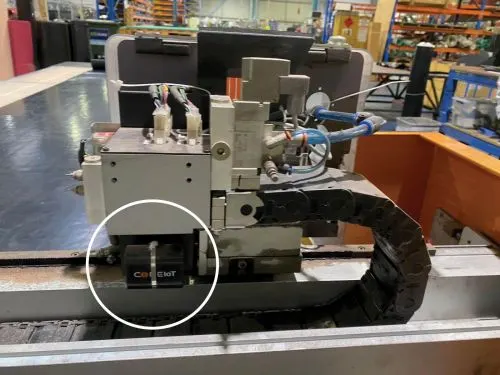
The sensor logs the errant readings and inactivity, and the supervisor is alerted via SMS or email.
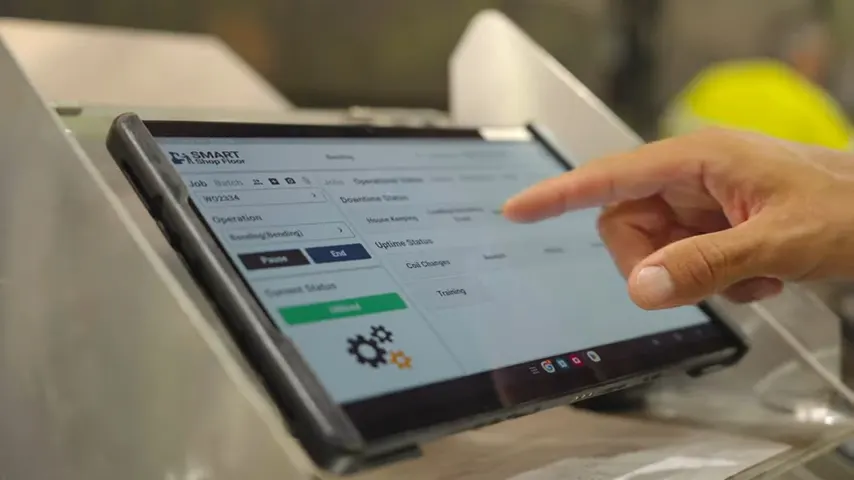
Operator raises the Andon red light for assistance, and picks a downtime reason from a list: machine jam.
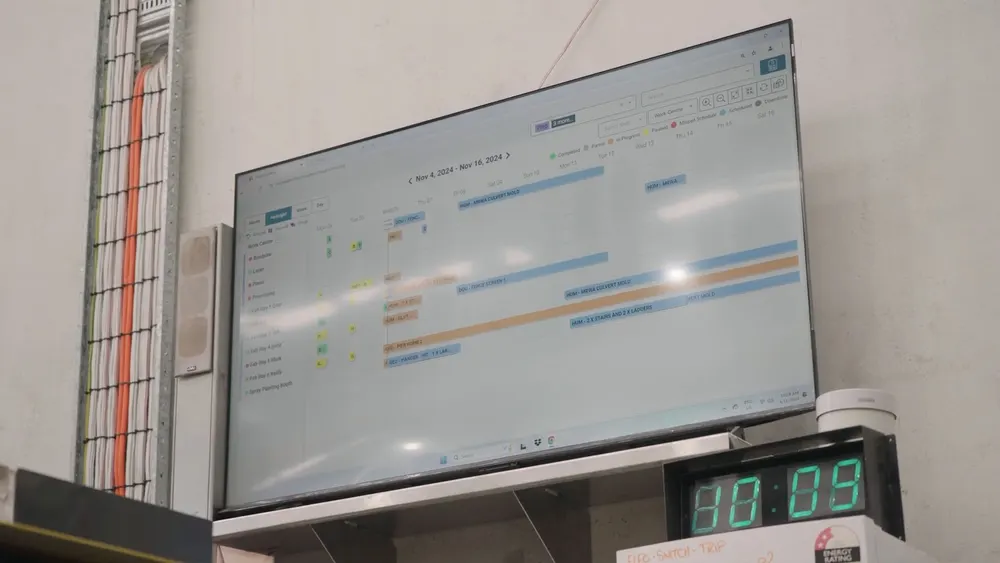
With the machine out of rotation, the day’s jobs are reshuffled. The operator jumps onto a new workstation within minutes.

The front office can see that the job is at risk of running late. The revised completion date is the next day, and they pre-emptively call the customer to notify them.
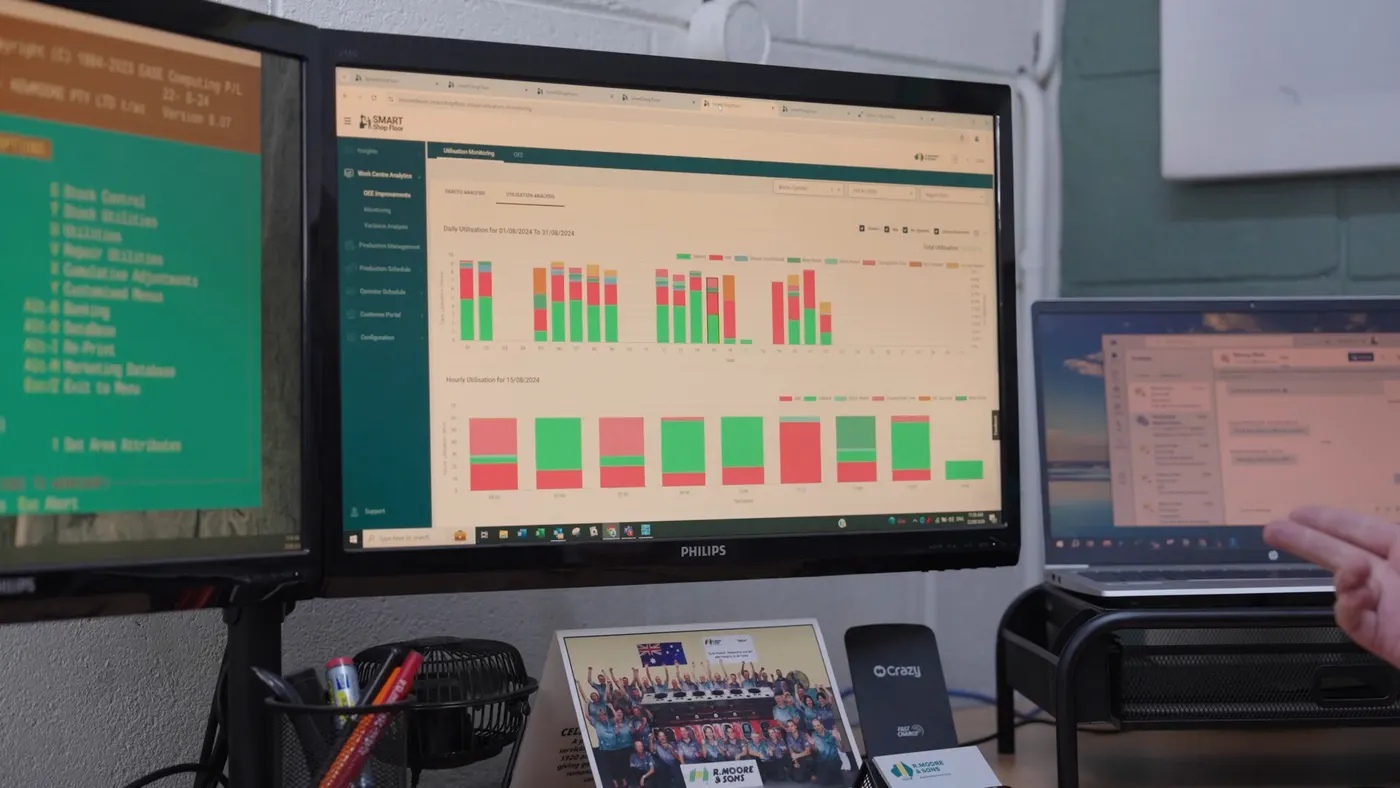
Downtime and wasted material are logged against the job margin.
Success Story
A.D. Coote replaced duplicated spreadsheets and manual time capture with live job data.
“We find ourselves in a space where we are controlling those jobs from A to Z and knowing exactly the path each job has travelled. Are there any bottlenecks? What sort of delays are we finding? We’ve now got all this data that we can collate and turn into real knowledge, something usable.”

Explore
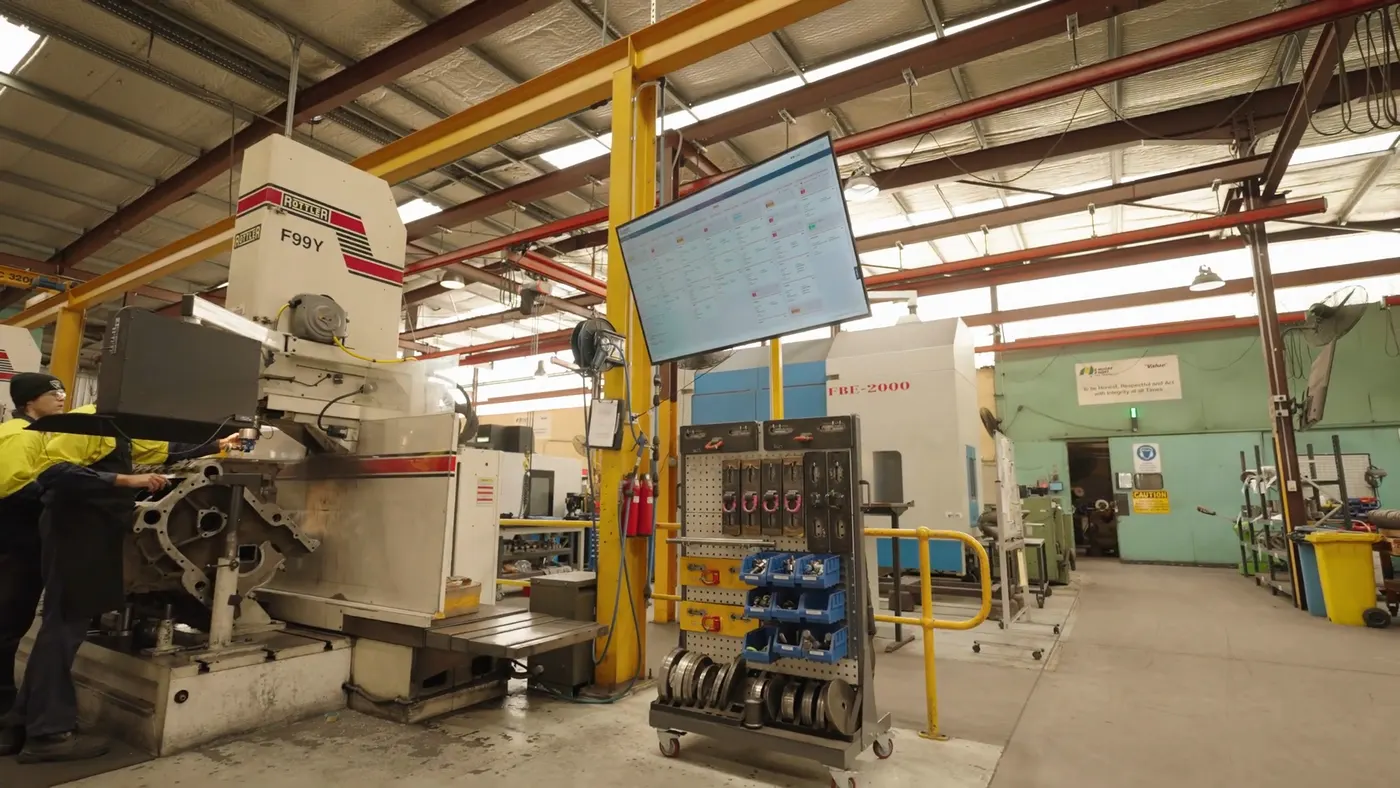
Plan every job around the people, machines and materials you actually have.

See live job status without walking the floor.
Job packs, pick lists, digital forms and chat on a tablet.

Quality checks and safety inspections, signed off and saved to the job.

Know what material you have and what each job used.

See why machines stop, identify bottlenecks and monitor capacity.

Customers check their own order status.