Production planning
Looks weeks or months ahead at every job in your queue. It decides what gets made and when it’s due. Often called the master schedule, it tells you when to hire, take on a big order or invest in equipment.
For Australian fabricators and job shops
Control labour costs and comfortably get more work out the door on time, making the best use of your capacity.
Definition
Smart Shop Floor's AI Scheduler is advanced planning and scheduling (APS) software that builds your production schedule around the machines, people and materials you actually have. It does two jobs: production planning and shop floor scheduling.
Most job shops plan on spreadsheets or whiteboards and hand out work on the fly. When something changes, the plan falls over and you’re the one firefighting. You set up your steps, timings and constraints once. AI Scheduler uses them to build a schedule your shop can actually hit.
Looks weeks or months ahead at every job in your queue. It decides what gets made and when it’s due. Often called the master schedule, it tells you when to hire, take on a big order or invest in equipment.
Sets the hour-by-hour order of work: which job, which operator, which machine. It changes constantly as people call in sick, machines break down and materials run short.
Sound familiar?
Features
When you quote a job, AI Scheduler gives you a delivery date, then protects it. It follows your own steps for each product and finds the sequence that gets every job done on time without running up costs.
Before a job is released, AI Scheduler confirms operator availability, machine capacity and materials. Work can only begin once everything is ready.
A bottleneck holds up your entire shop floor and needs strict control to keep it in check. AI Scheduler schedules around the limits of your bottleneck and paces work to keep people productive and lead times short, so jobs don’t sit half-finished.
Getting on top of trouble early gives you the most options to fix it. AI Scheduler flags a job at risk of running late, a material shortage, conflicting due dates or overtime creeping in, so you can take action.
AI Scheduler rebuilds the schedule around disruptions and reassigns work to cover for missing people or down equipment. Test a scenario before you commit and see what it does to your delivery dates and costs.
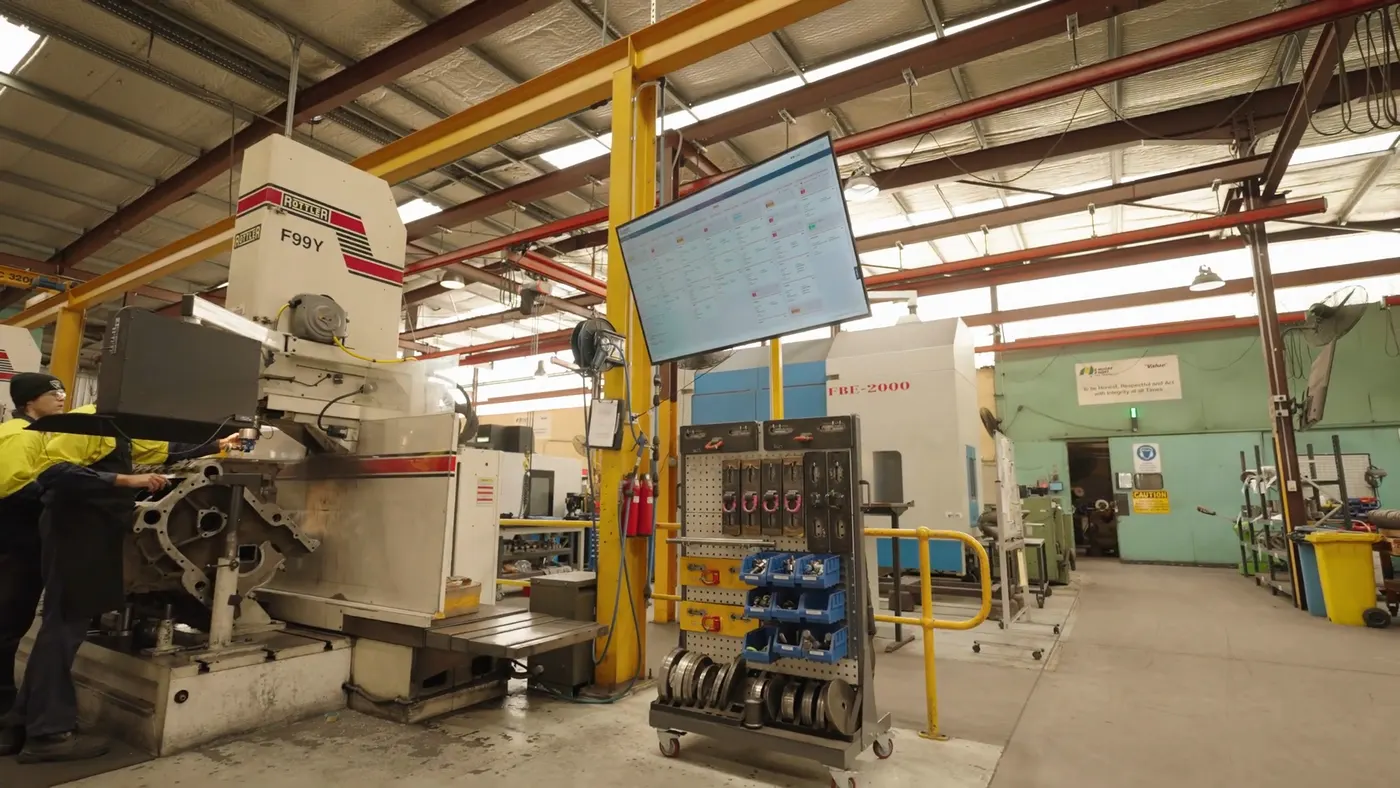
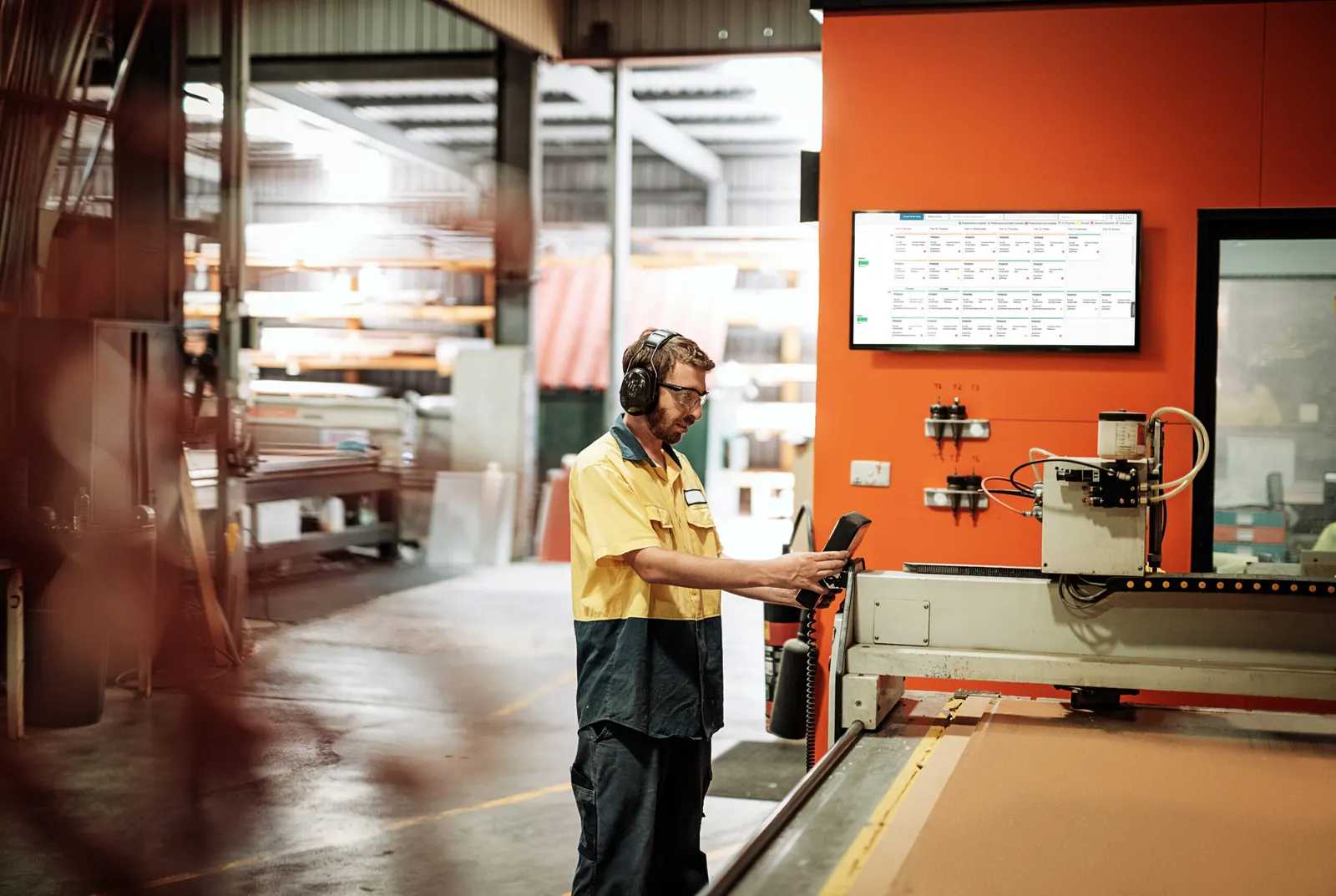
See every job by time, operator, process or work centre. Drag and drop to change the plan, and AI Scheduler adjusts the rest. A digital production board replaces the whiteboard on the shop floor.
Decision Making
A human scheduler can only juggle a few factors at a time. Advanced planning and scheduling software weighs all six at once and finds the best schedule for your shop.

The most urgent jobs go first. Jobs are planned to finish before their due date, not on it — giving you some breathing space should a problem arise.

Look after your most important customers. Priority is based on contract value, repeat business or margin, so their jobs go first. Infrequent or low-value jobs wait their turn.

Jobs are only booked on machines, operators and materials that are available. If something’s missing, you’re alerted and the job waits until it’s ready.

Work goes to the operator best rated for the task. Skilled hands mean fewer reworks. Fast hands mean jobs ship on time.

Every step of a job is sequenced in the right order, automatically.

Work is planned within your normal working day, with overtime only when it’s critical. Operators are booked at a comfortable capacity, so they have time for everyday dust‑ups.
Results
Workflow
Add any new orders, absences or breakdowns, then hit go. AI Scheduler creates a draft weekly production schedule.
Check at-risk or late jobs and drag and drop any changes. Compare what-if scenarios before you commit.
The daily schedule goes out to the floor on a smartboard or digital display. Operators get their jobs for the shift, ordered and timed.
As jobs are finished, your supervisor logs progress. It feeds straight into the next schedule run.
Success Story
“Smart Shop Floor has really moved the business forward. We are able to concentrate more on the things we do here and not the busy scheduling side of things, which really has lowered the stress level in the business.”

Explore